AI photos guide
How I make AI dating photos that look real
In the video I showed you my AI dating photos. Here they are, next to the real photos I uploaded.
And then the exact steps: what to upload, what I check on every photo before it goes on a profile, and the six photos I would pick. Tap any photo to see it in full size.
Before and after
What I uploaded
A business portrait, a selfie on the street and one random beach photo. Just photos I already had, nothing shot for this.
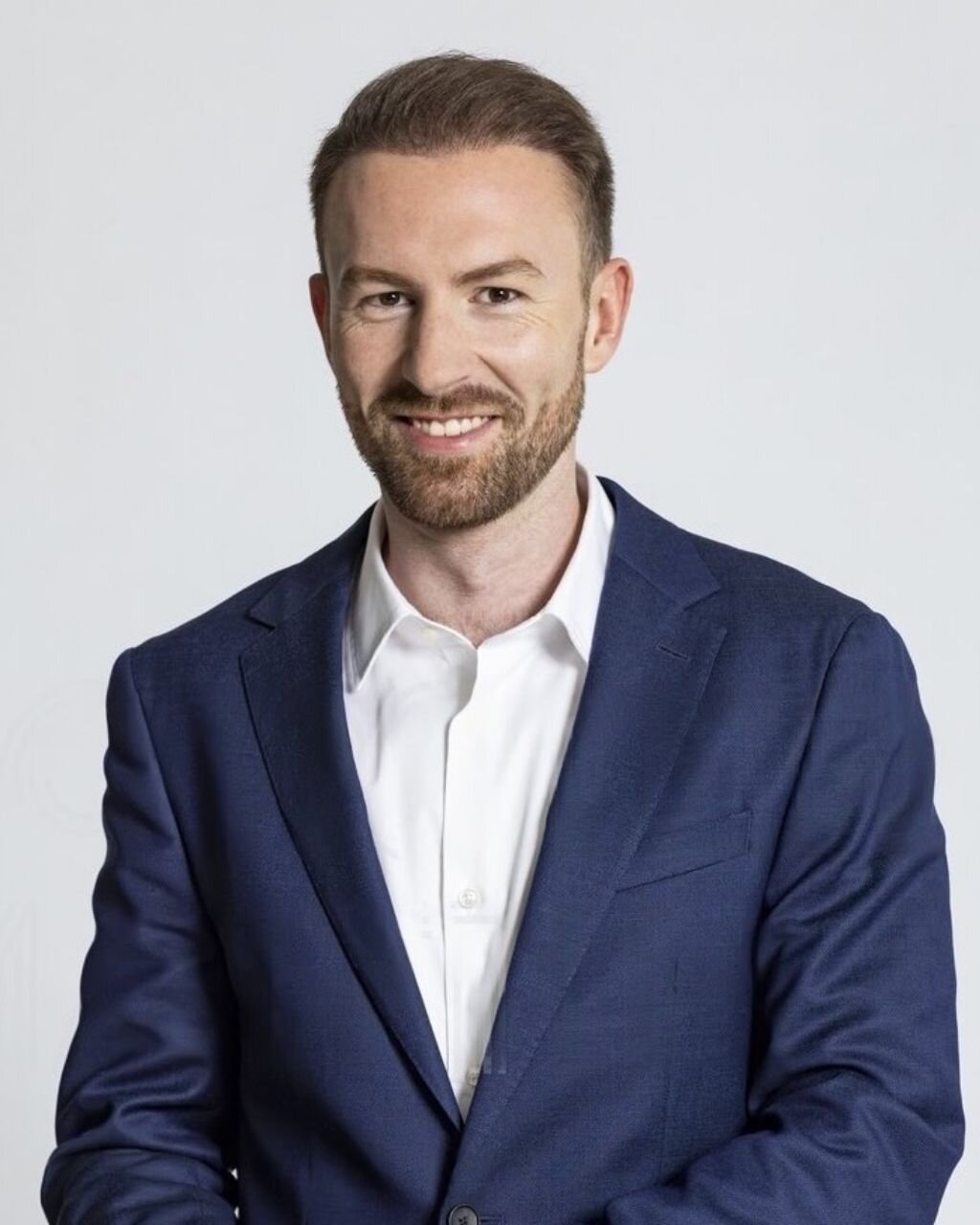

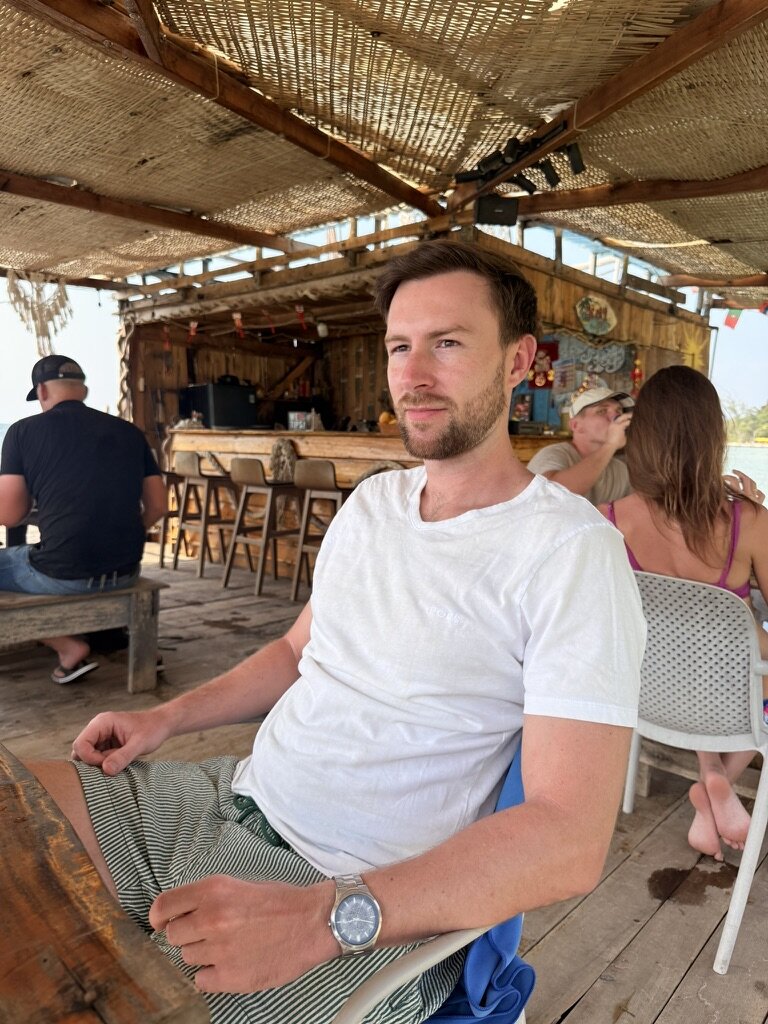
What I got back
Every photo below is AI. I zoomed in on every single one and honestly, I can't tell anymore.
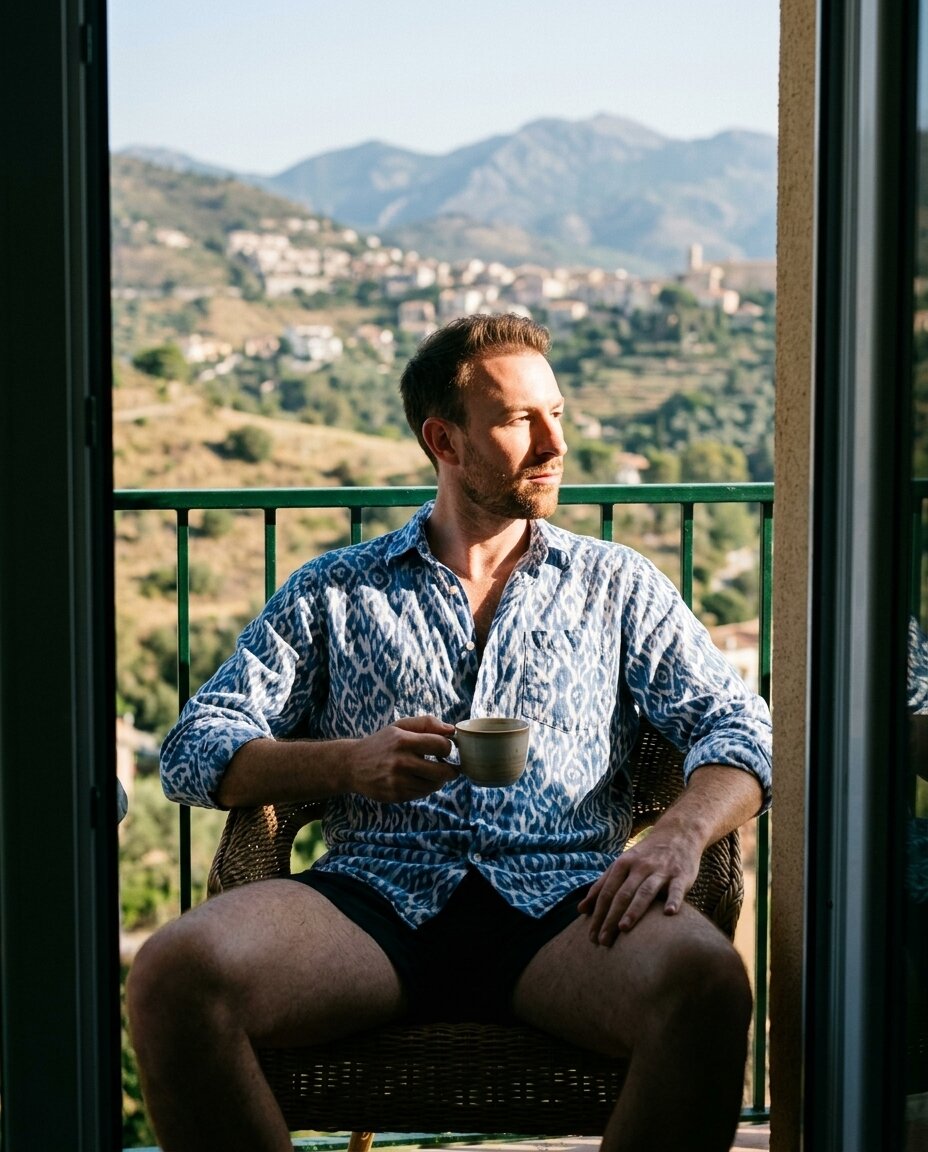
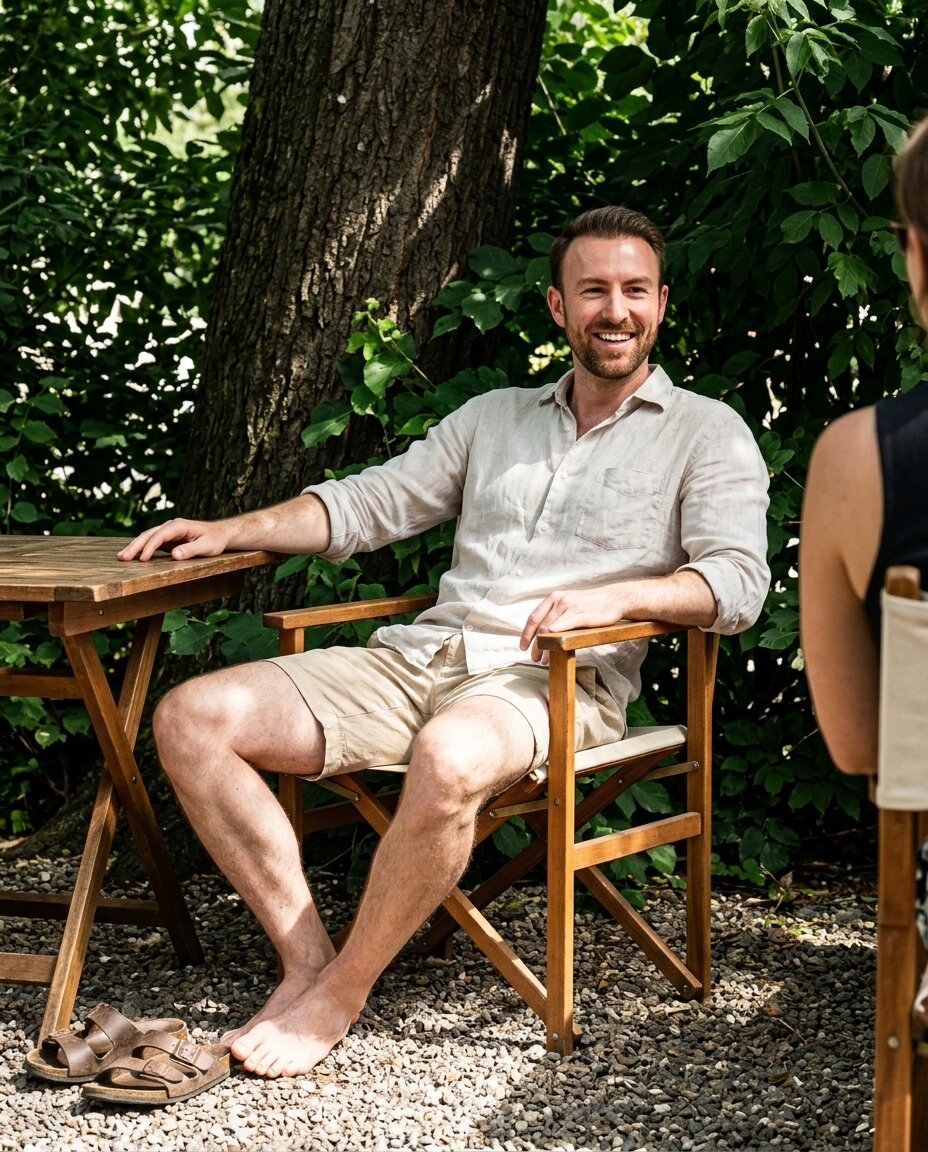
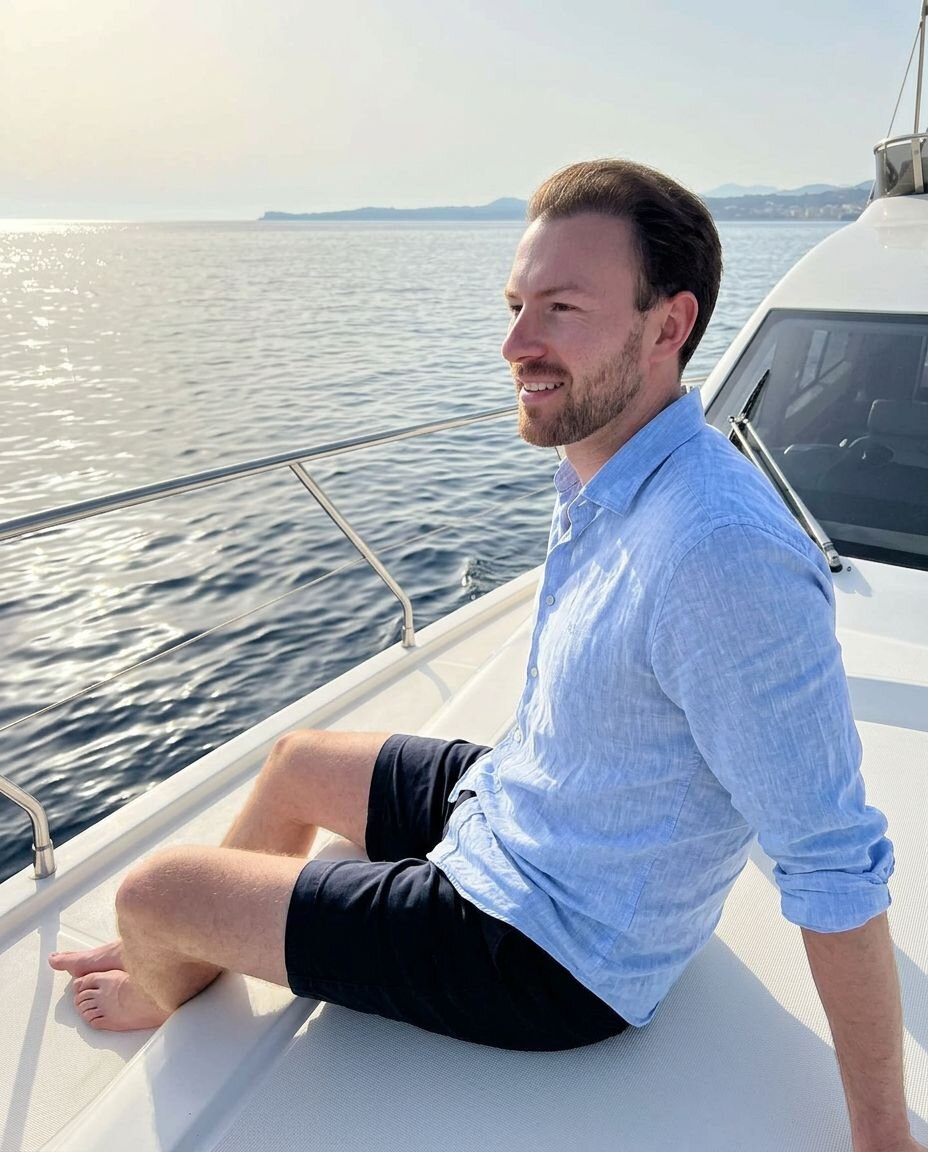
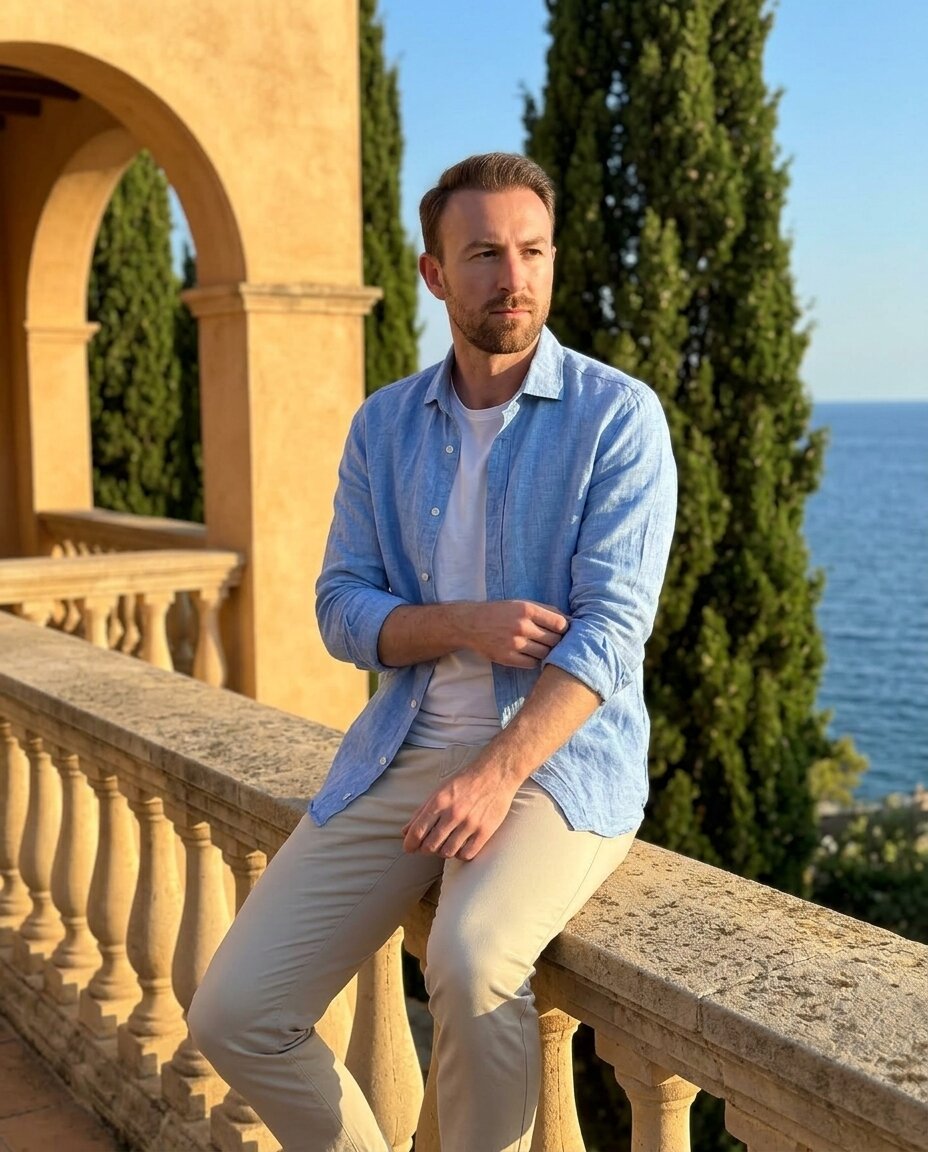
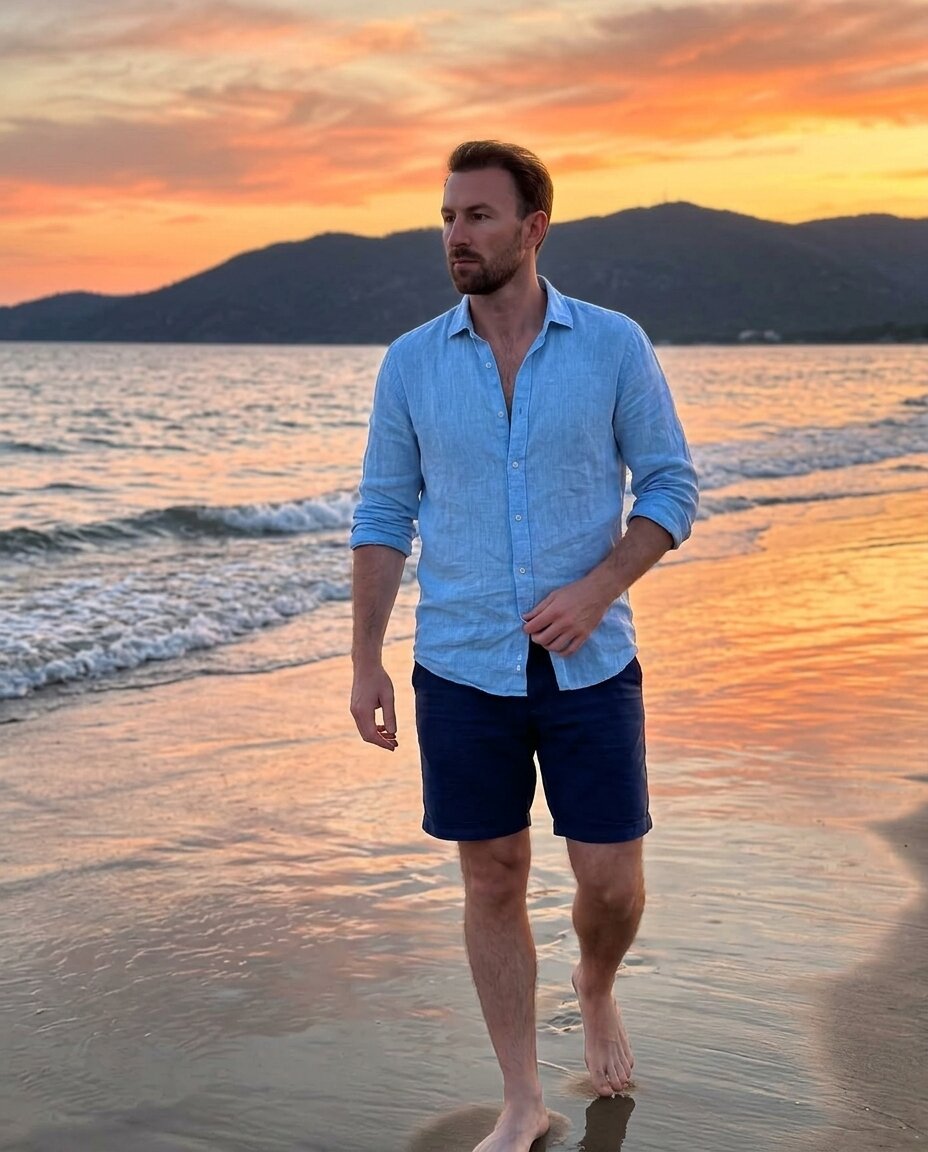
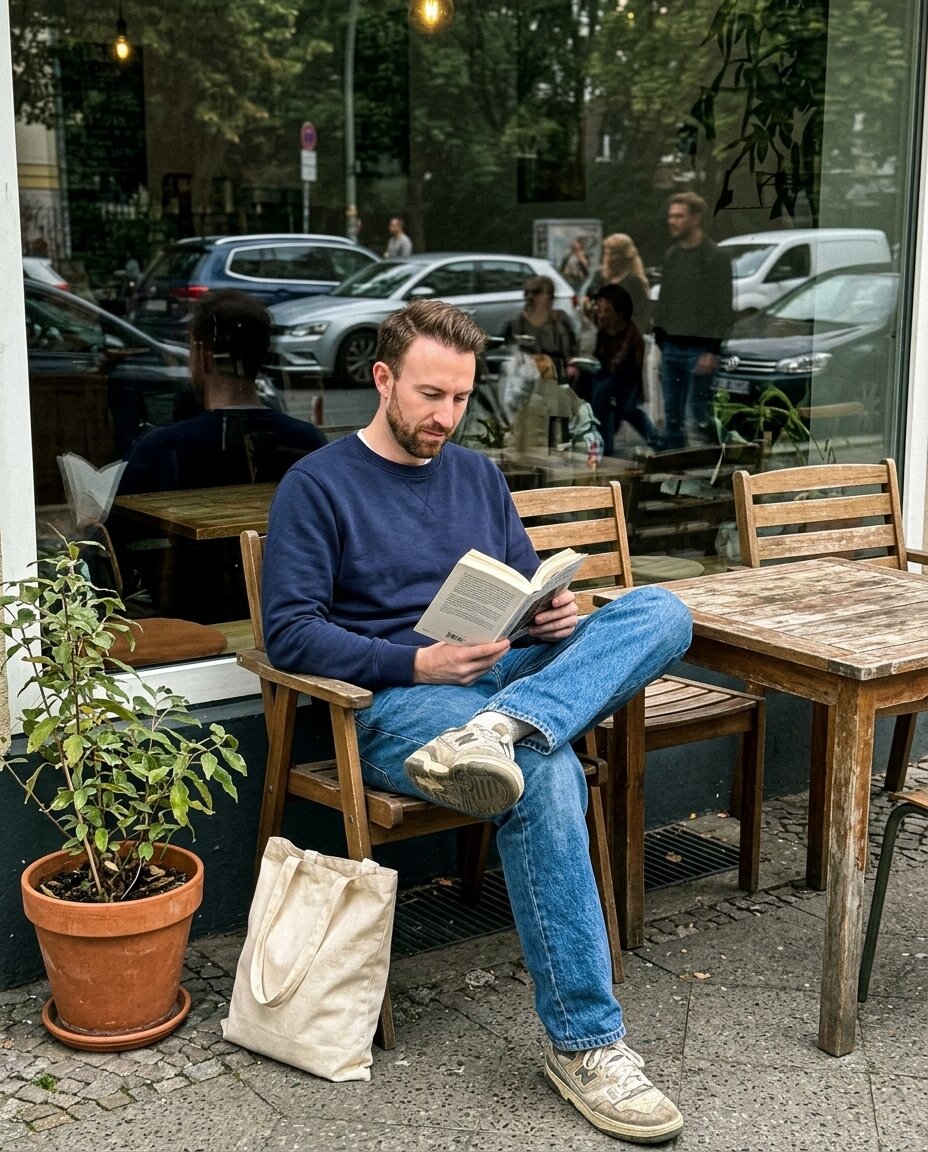
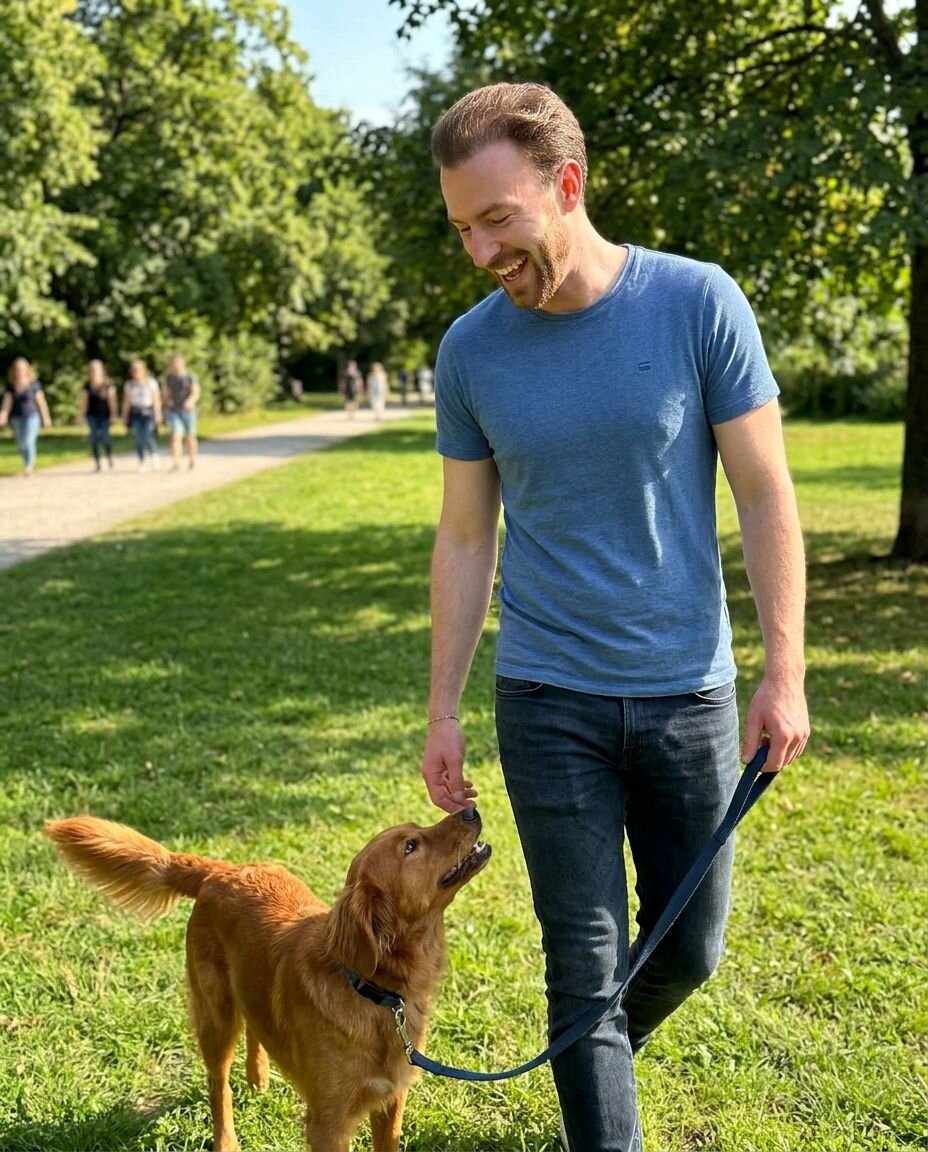
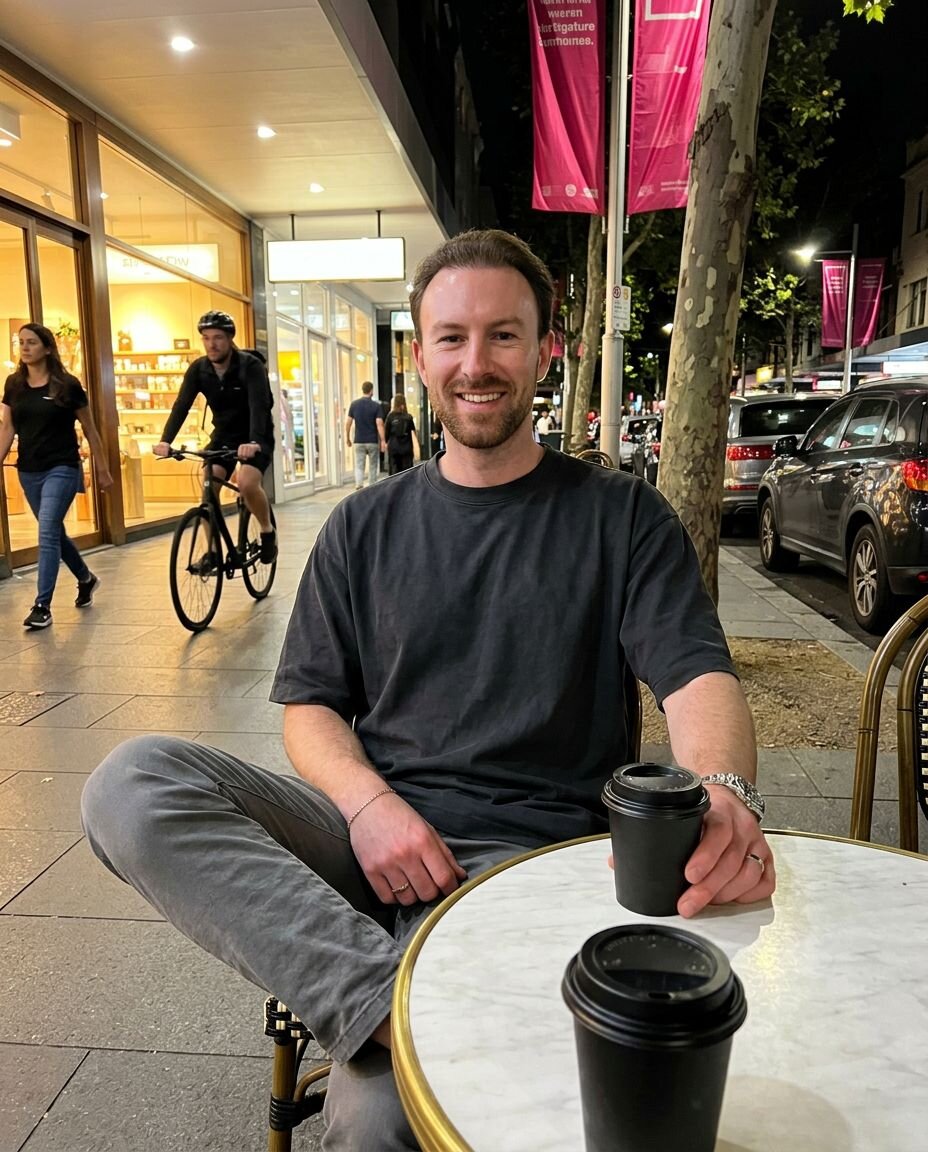
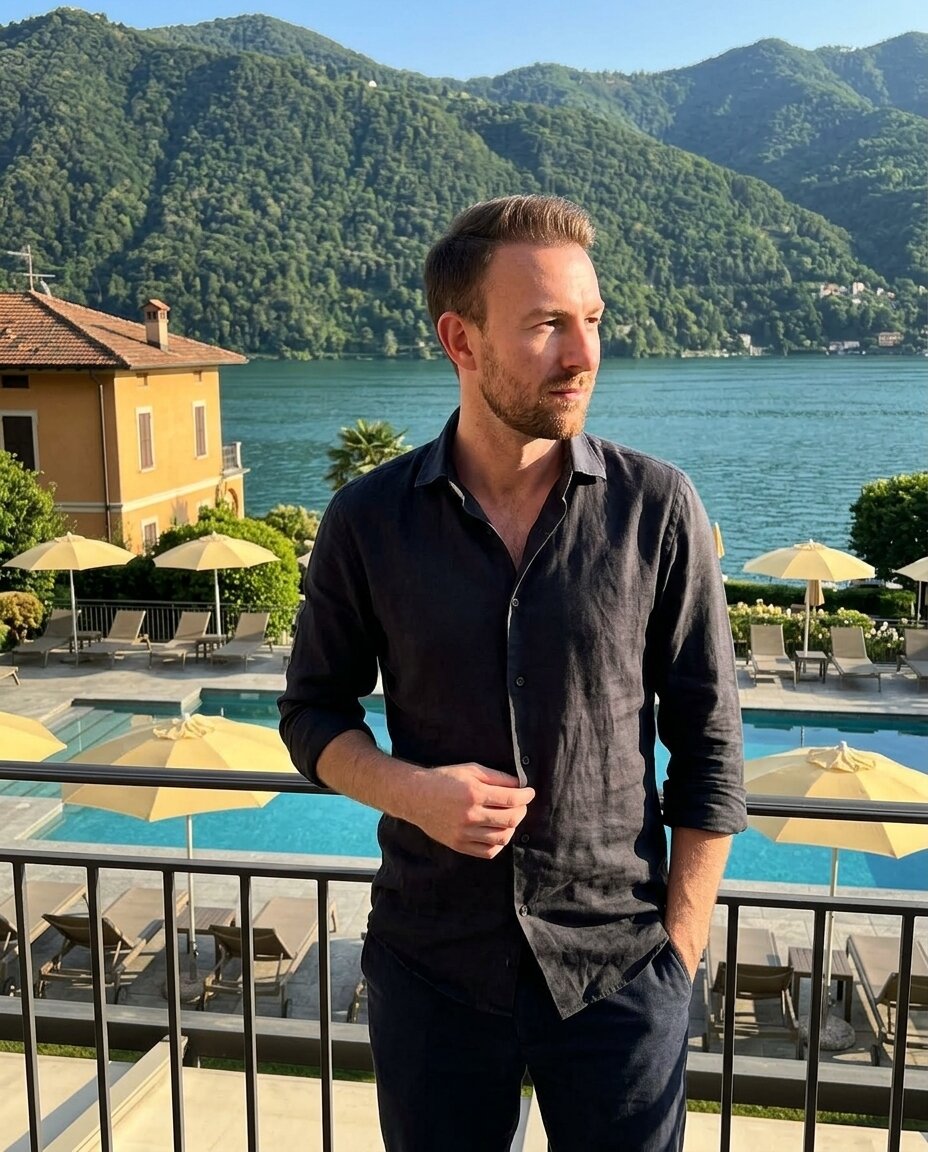
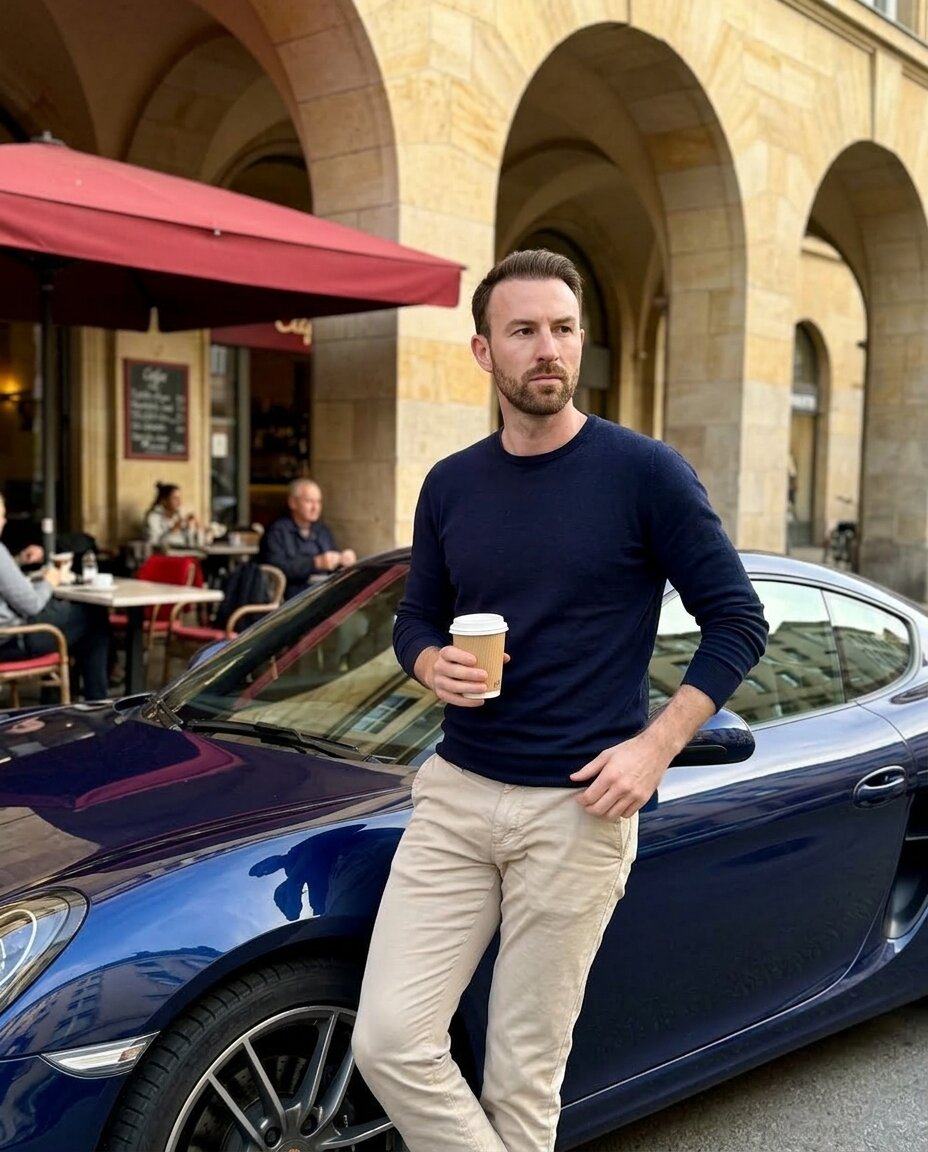
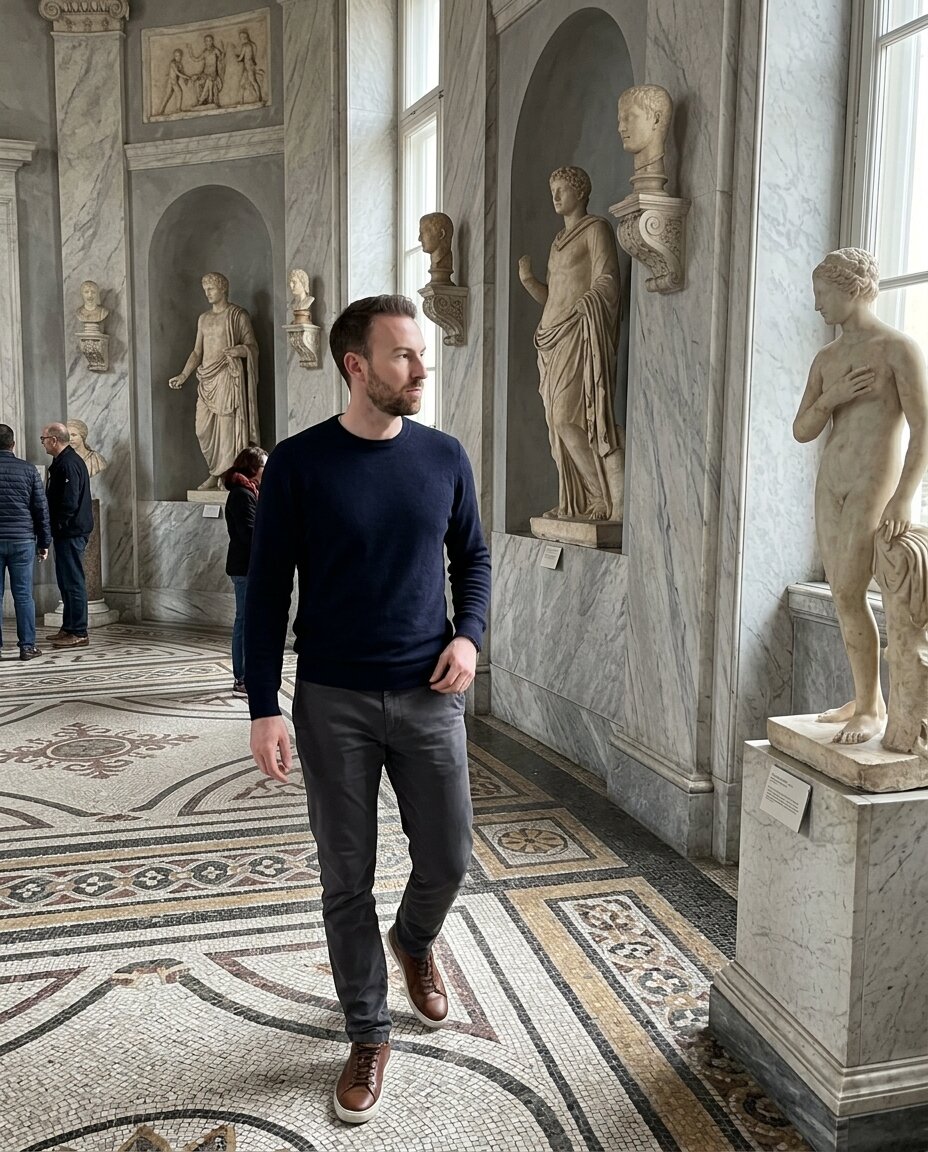
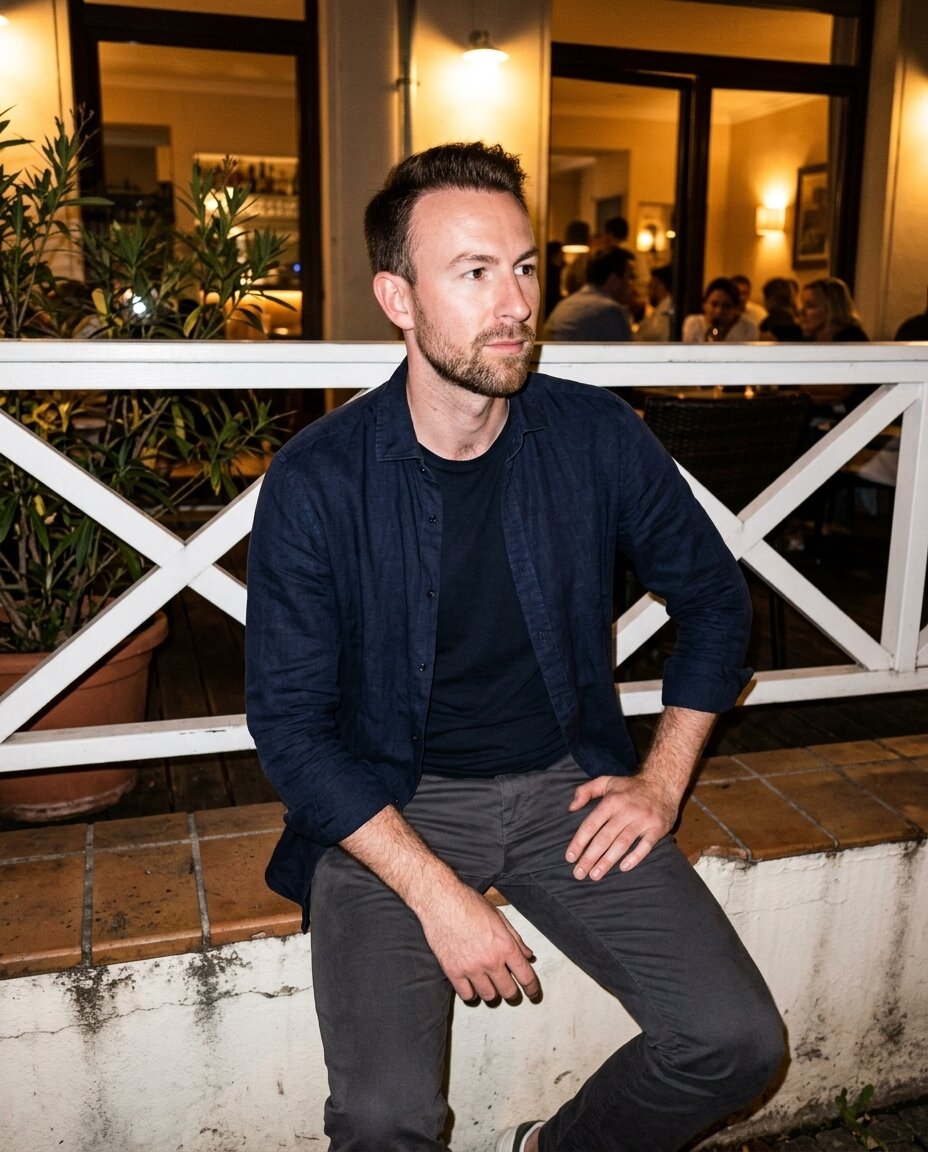
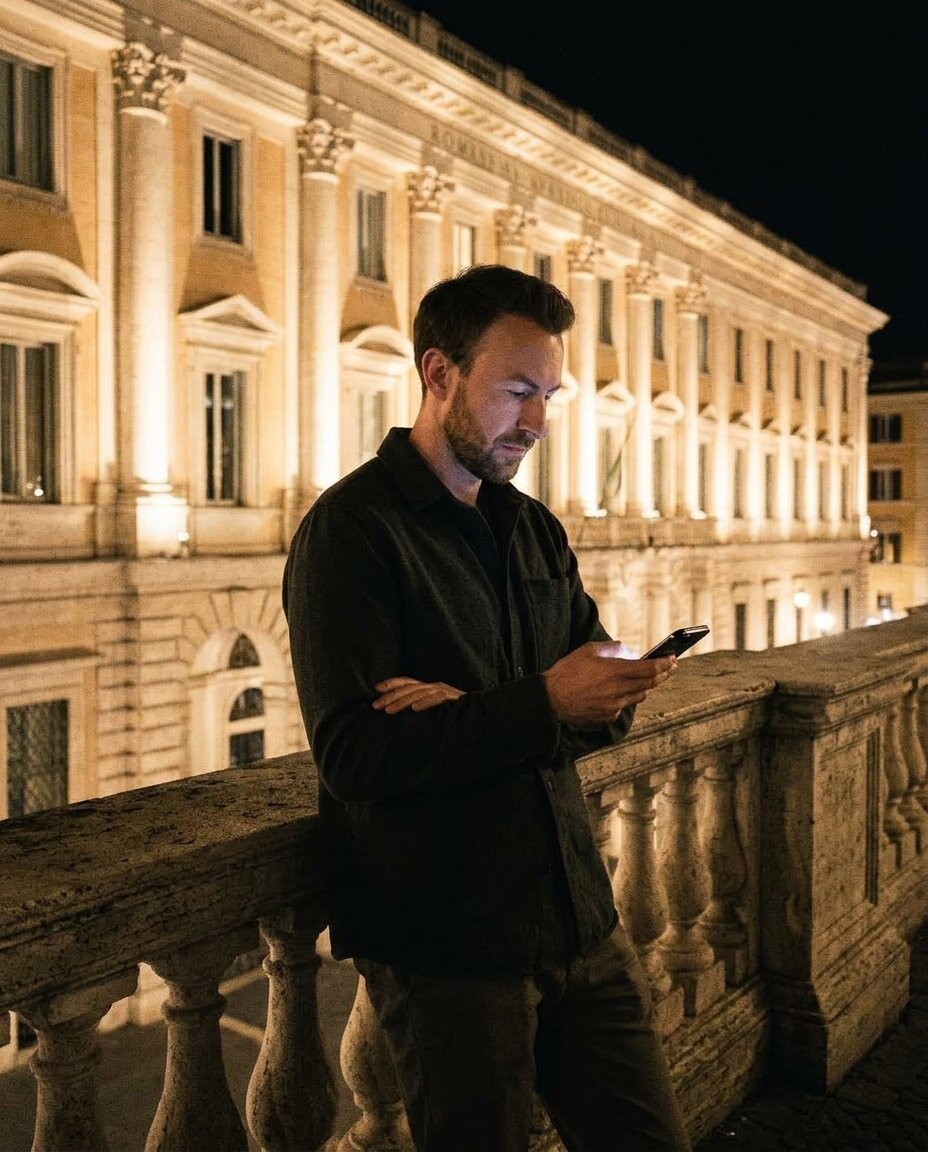
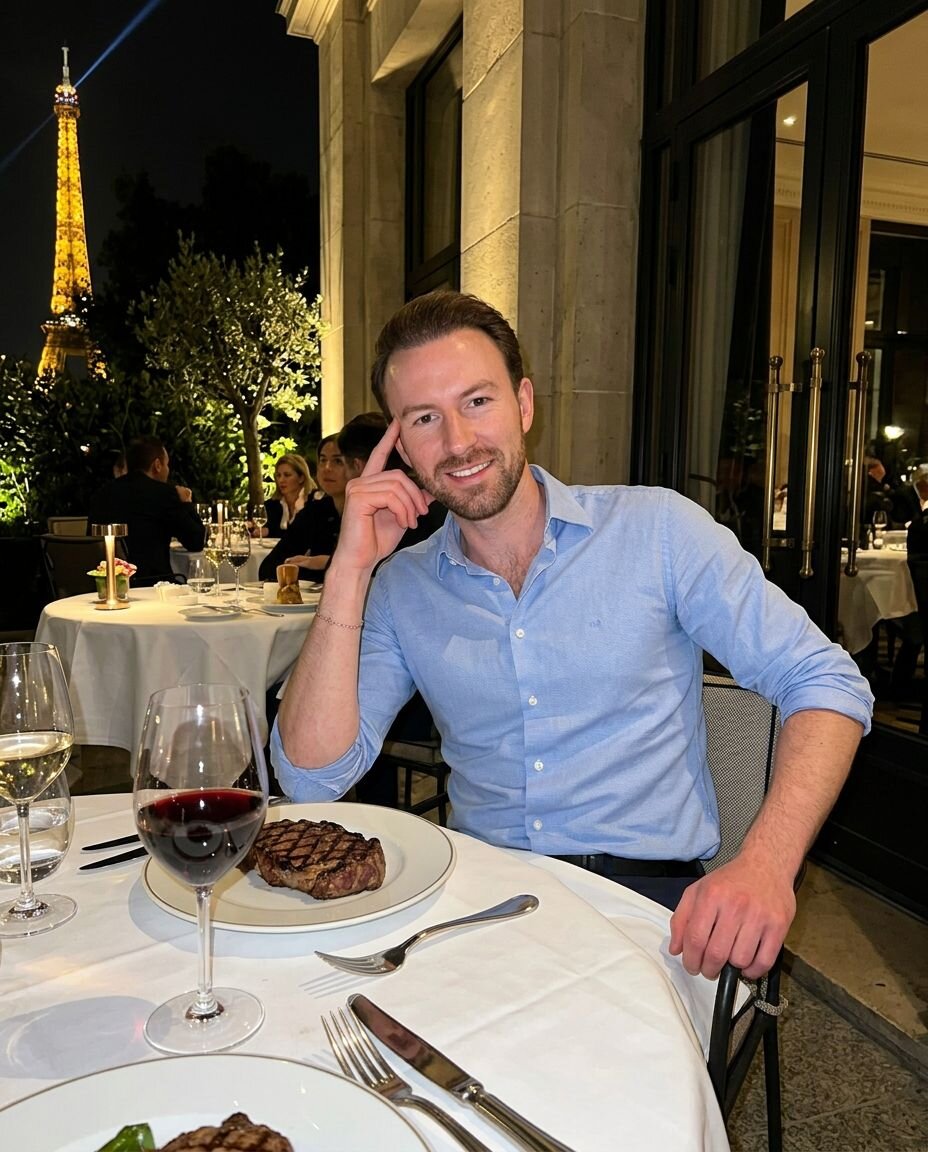
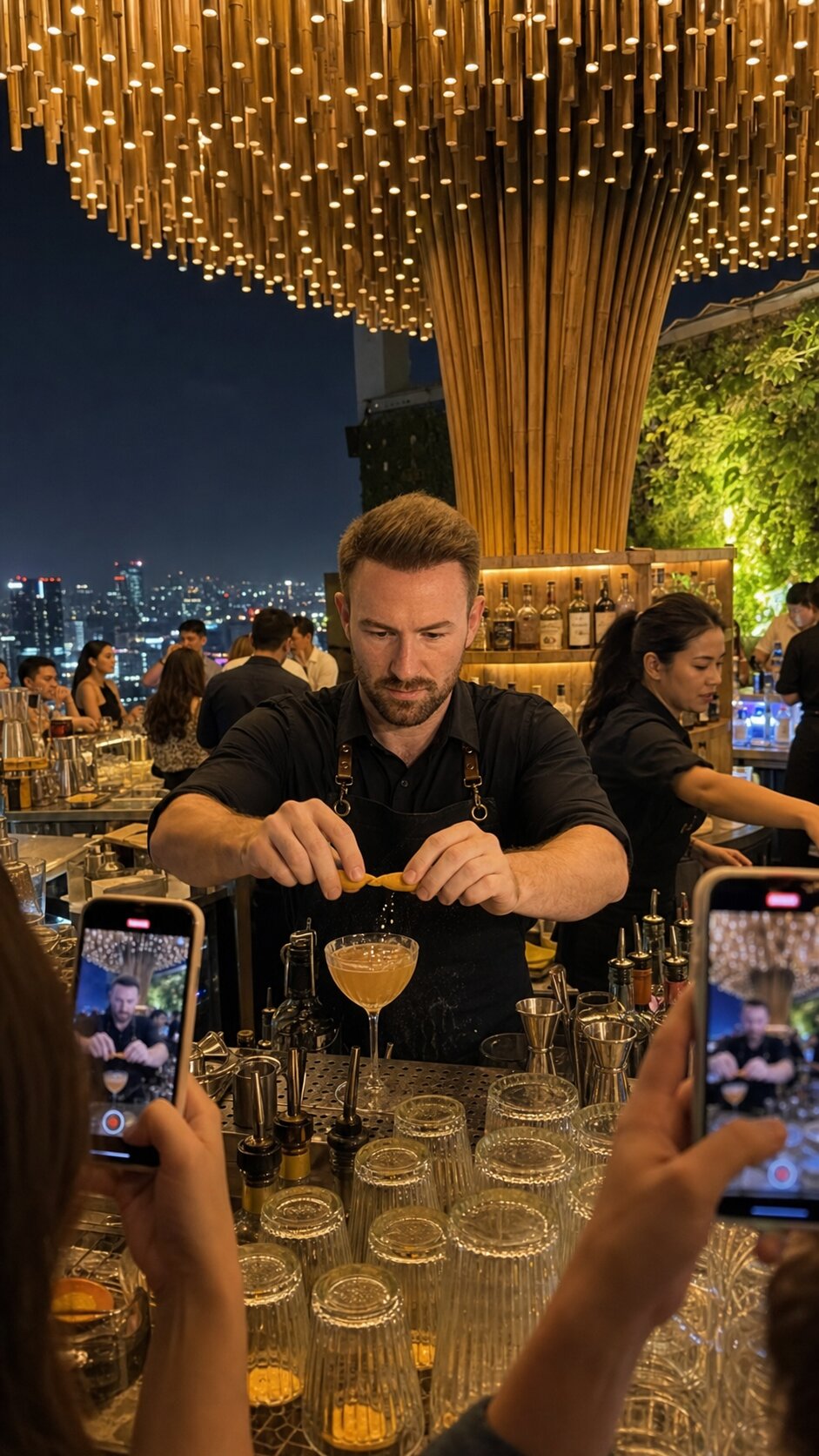
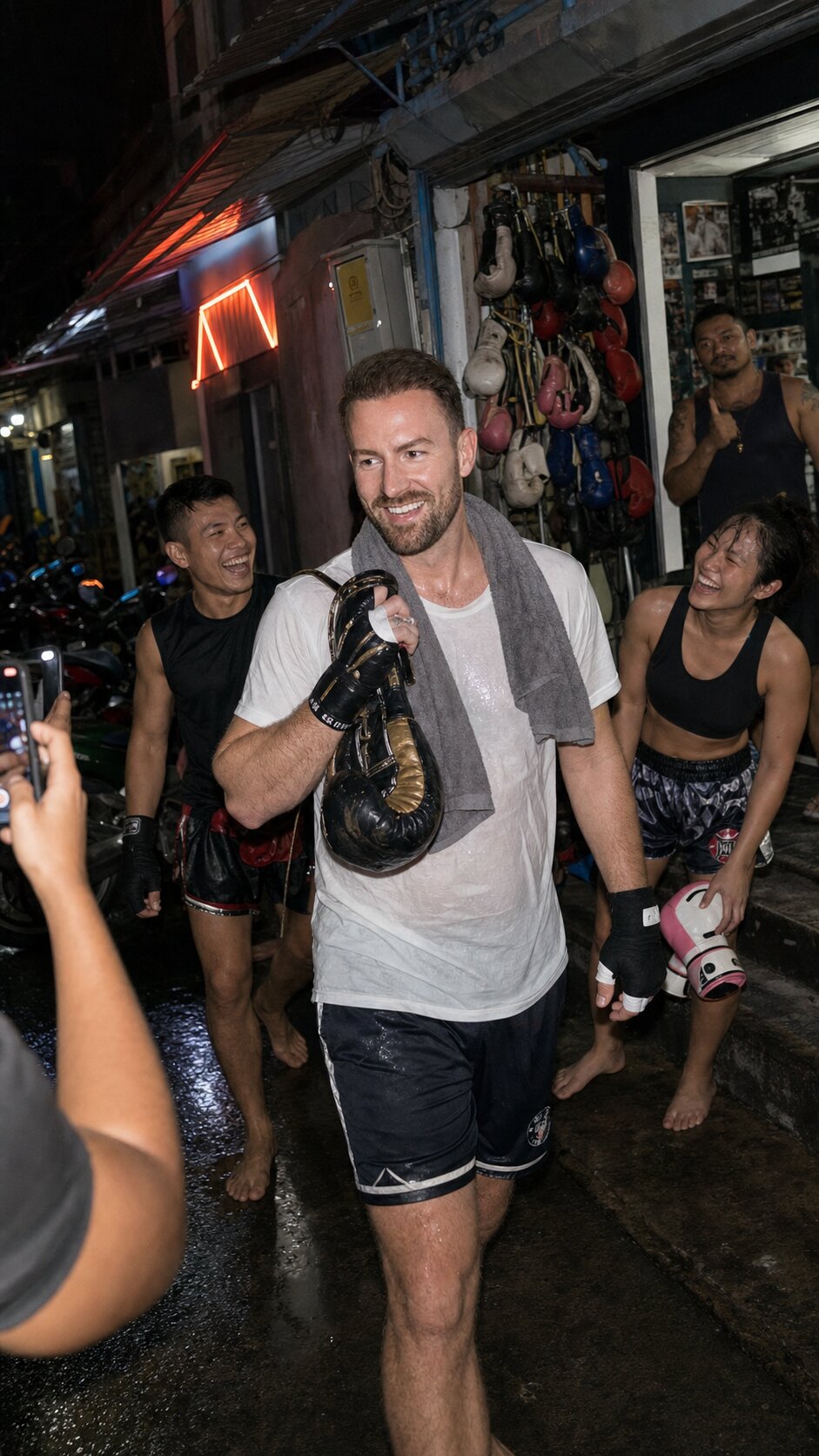
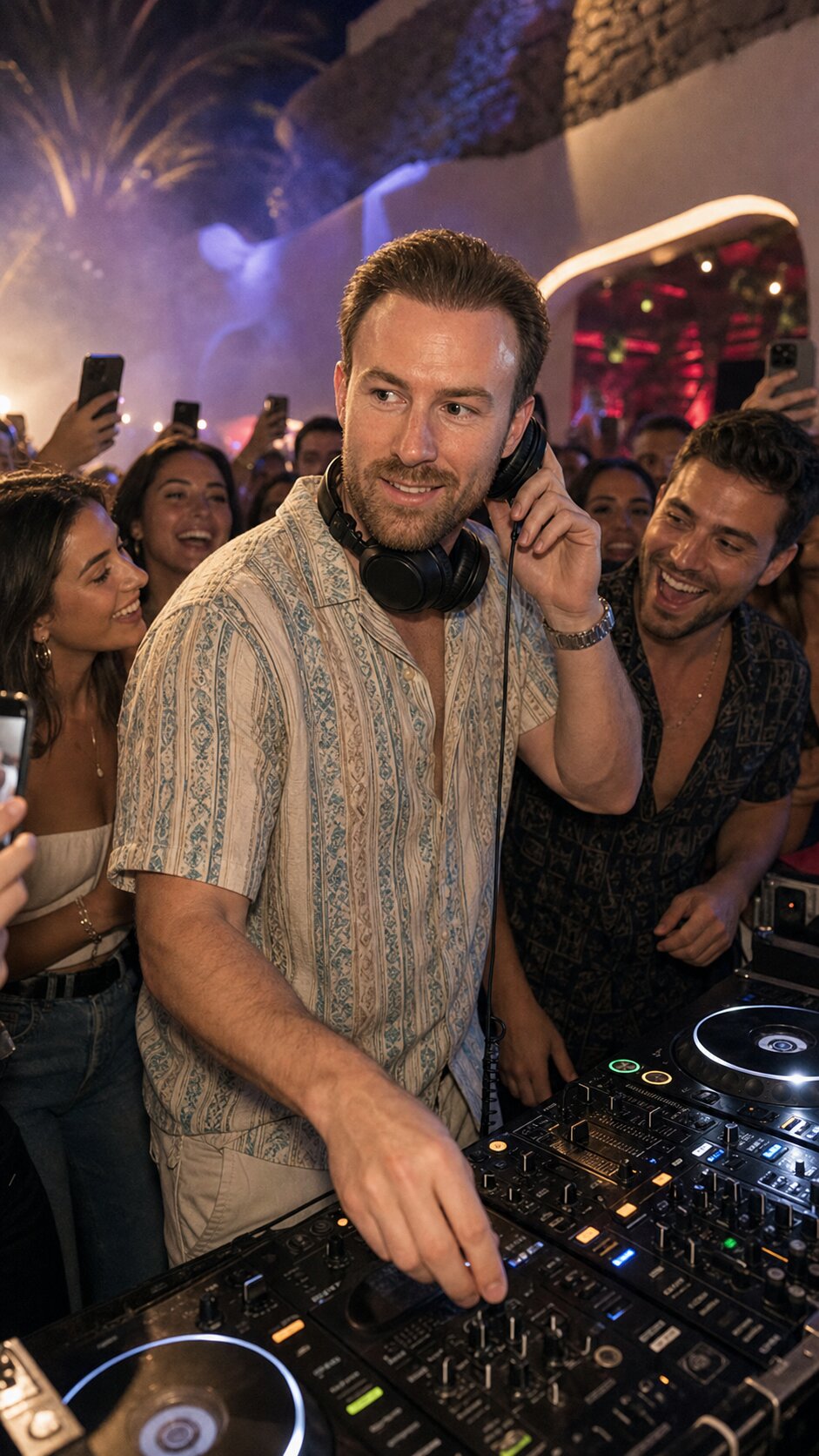
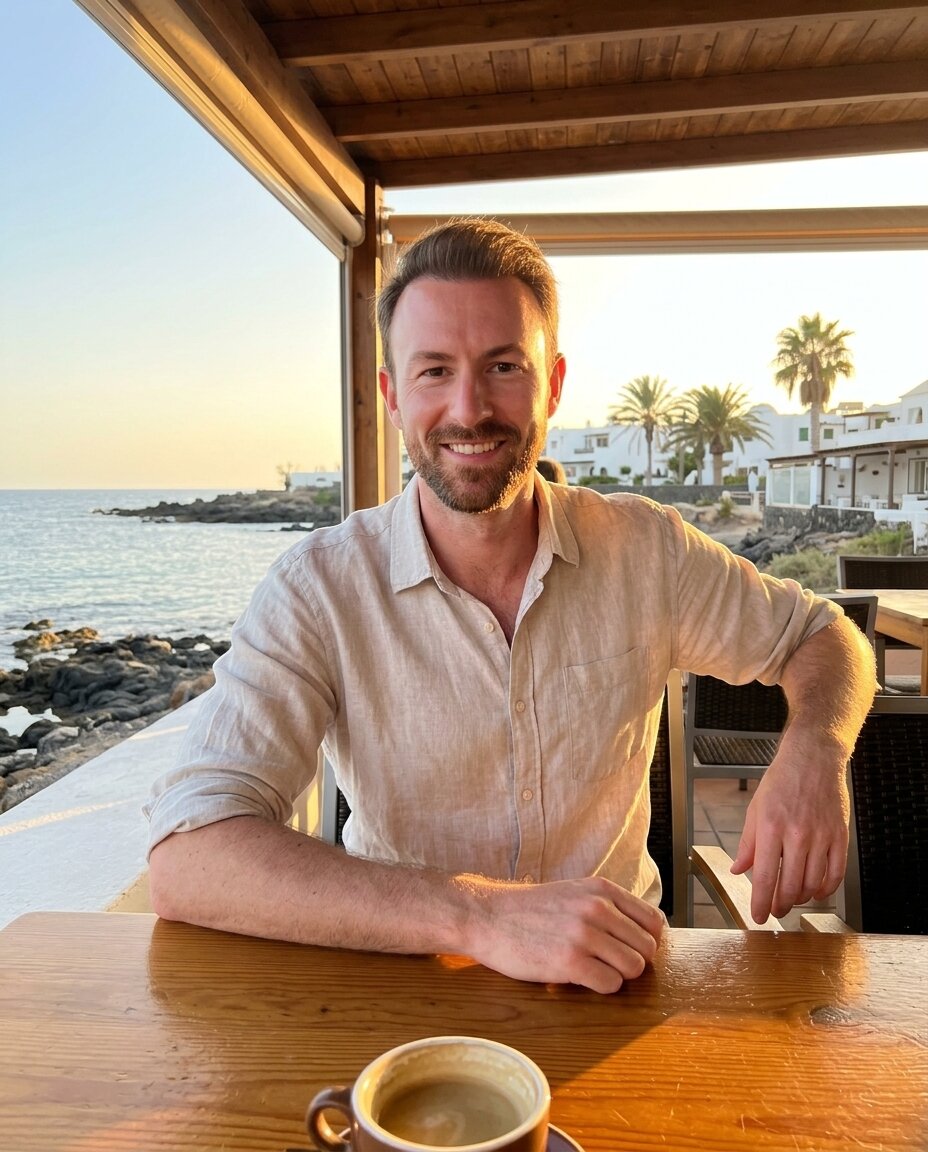
The tool I used and what to upload
I made all of these with TinderProfile.ai. Full disclosure: I built it, so of course I use it for my own profile. Here is what I like about it:
- You start with photos you already have. Everyday photos or selfies, no photoshoot.
- You're not stuck with preset scenes. You can describe your own scene, like a hike, a sunset dinner or playing with a pet, and get a photo of you in it.
- Your uploads stay private. They're encrypted, only used to make your photos, never shared with third parties or used for ads, and you can delete them anytime in your account settings.
What to upload
This is what the TinderProfile.ai FAQ and homepage recommend:
- 2 to 5 photos. Everyday photos or selfies are fine.
- Your face, clearly visible, with different expressions.
- Mostly clear close-ups.
- Your side profile in at least one of them, for variety.
That's it. My uploads were the three photos from step 1.
Check every photo before it goes on your profile
If you generate a lot of photos, a few of them won't be perfect. That's normal, you just don't use those. Before a photo goes on my profile, I zoom in and check these six things:
Hands
Count the fingers. Then look at how the hands hold things: the cup, the phone, the glass. This used to be the classic AI mistake.
Text and signs
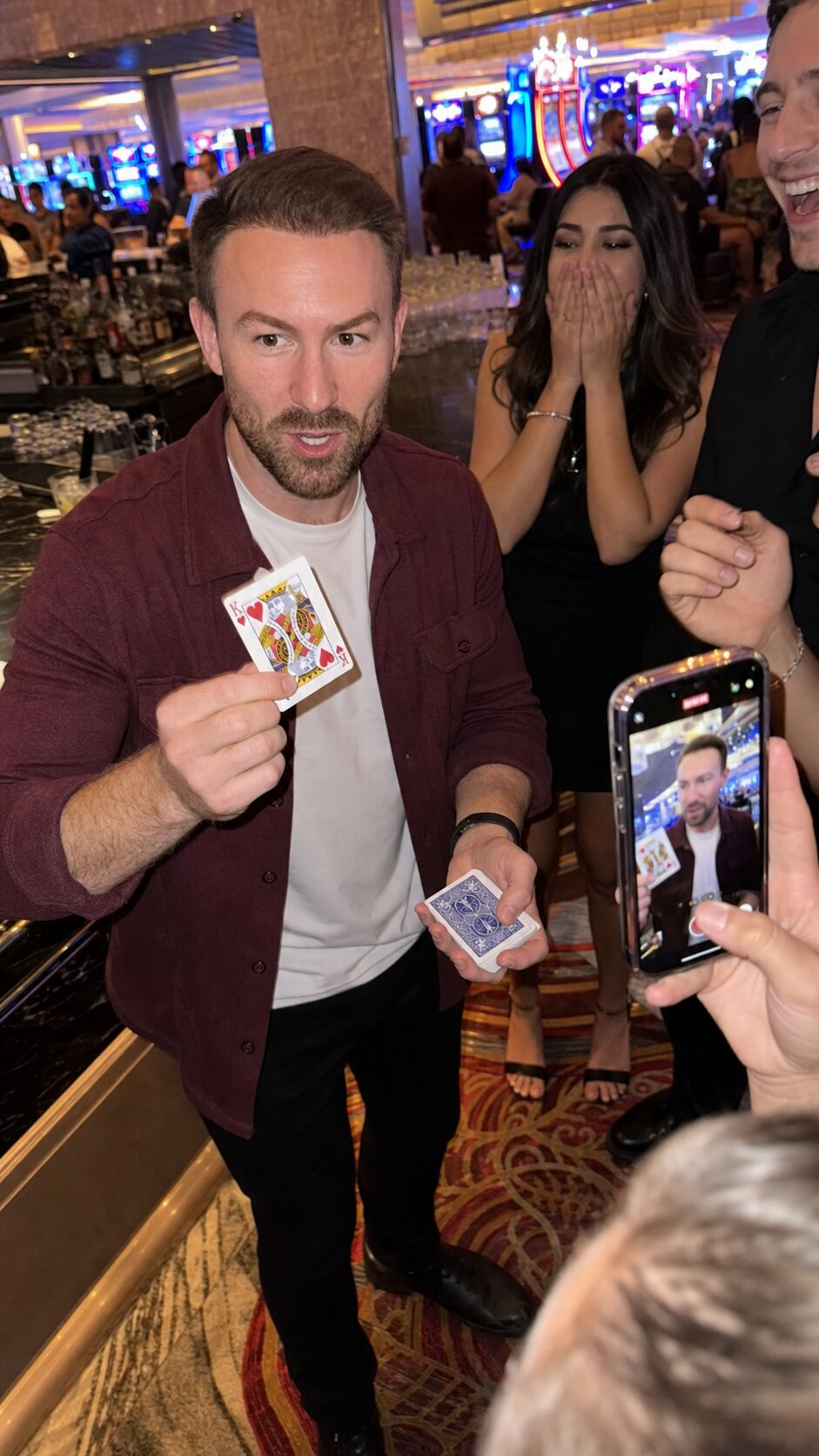
Read every sign, menu, logo and T-shirt print in the photo. Even a playing card: the K and the hearts have to be right. If a word doesn't make sense, somebody will notice. Don't use it.
Jewelry
Watch, rings, chains. Keep only what you actually wear, and look closely: a watch should look like a watch, with a clean strap and no parts melting into your skin.
Teeth and ears
Zoom in on your smile. Your teeth should look like your teeth. Same with your ears.
People in the background
Look at everyone behind you: faces, hands, legs, the bike. One weird stranger in the back ruins the whole photo.
Your body
Same height, same build, same hair. If a photo gives you arms you don't have, delete it. More on that right below.
If one of these is off, pick another photo.
It still has to be you
Same face, same hair, same body. That's the rule. The photos should show you on a really good day, and the guy she meets on the first date should be the guy from the photos. Otherwise you haven't won anything.
Hinge says the same thing. In its AI principles, Hinge writes that if you include generative AI images in your profile,
“it should not be used to misrepresent yourself or your intentions”
Hinge, AI Principles
So pick scenes that fit your life, and keep the photos looking like you.
A profile out of six photos
Mostly everyday photos, plus one status moment. And not every photo is you smiling into the camera. Mix it up: some looking at the camera, some looking away, some laughing.
Every AI photo on this page: Made with tinderprofile.ai
Don't have good photos to start with?
That's exactly why I built TinderProfile.ai. You upload your own photos and get realistic dating photos that still look like you. Because in the end you still have to show up to the date as yourself.
Create your photos →